Boolean operations and layer merge
Merge active layer
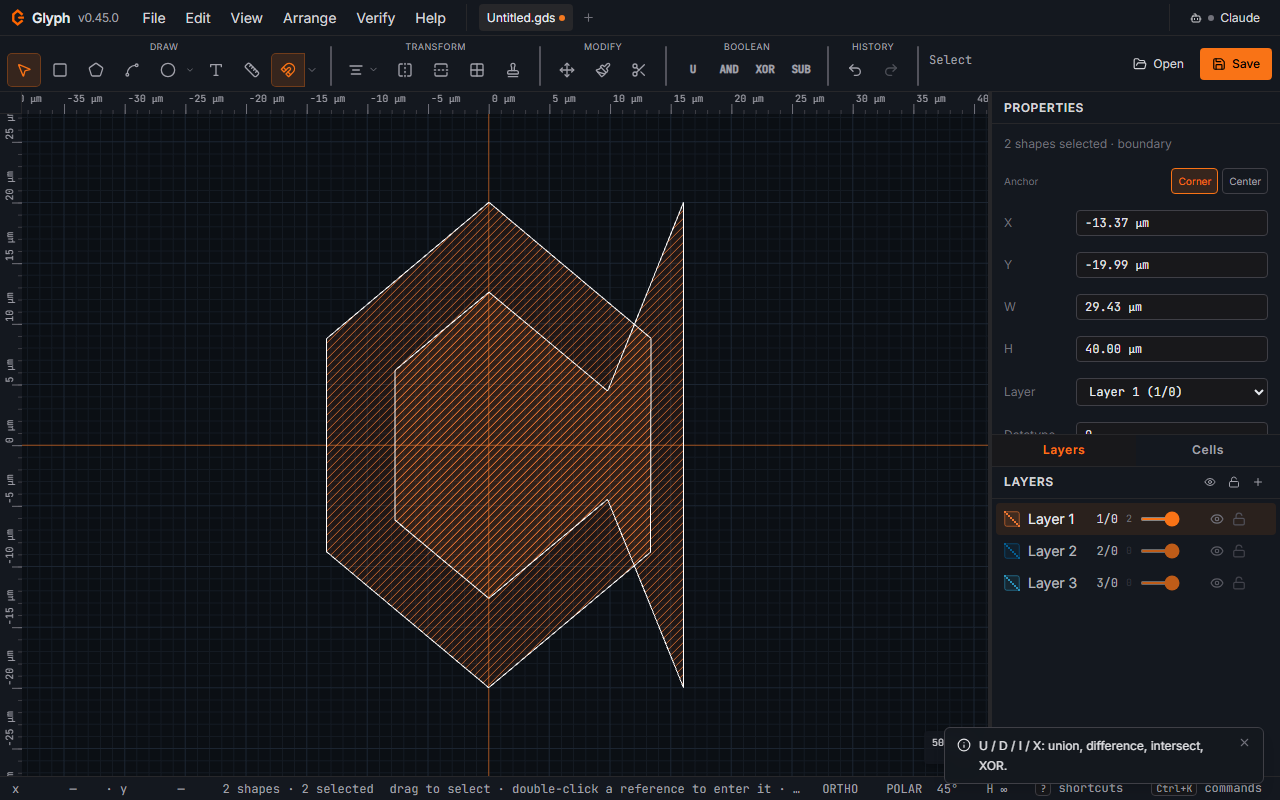
runs a layer-wide union of every boundary/box/widened-path shape on the currently active layer. Touching/overlapping polygons collapse into one; isolated islands stay separate. Single-undo step.
 View full image
Boolean operations
Select 2+ shapes on the same layer, then run one of the four ops via the Boolean toolbar icon (a combine glyph, between Transform and Modify — it opens a flyout listing all four with their hotkeys), the keyboard shortcuts below, right-click for the context menu, or Edit in the menu bar.
| Key | Op | What it does |
|---|---|---|
U |
Union (OR) | Merge into one polygon |
D |
Difference (SUB) | Subtract subsequent shapes from the first |
I |
Intersect (AND) | Keep only overlap |
X |
XOR | Symmetric difference |
Large boolean ops (over 20 000 input vertices) run in a background worker so the UI stays responsive, and a Cancel button appears next to the progress pill — cancelling leaves your drawing exactly as it was, with nothing on the undo stack. Smaller selections are computed immediately, since the round-trip to the worker would cost more than the op itself. If the drawing changes while a background op is running, the result is discarded rather than applied to geometry that has moved. The result lands on the shapes' layer; the originals are replaced in one undo step.